Lightbox draw - tracing paper
Try the Colors s.r.o.
Downloads
100,000+
Version
Latest
Click to download now, finish the installation quickly, and directly unlock the all-round experience
Screenshots
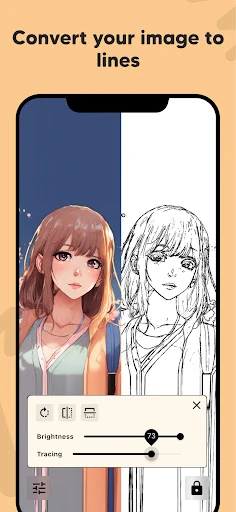
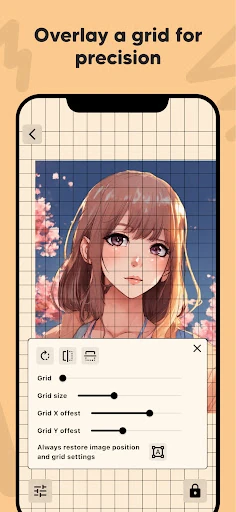
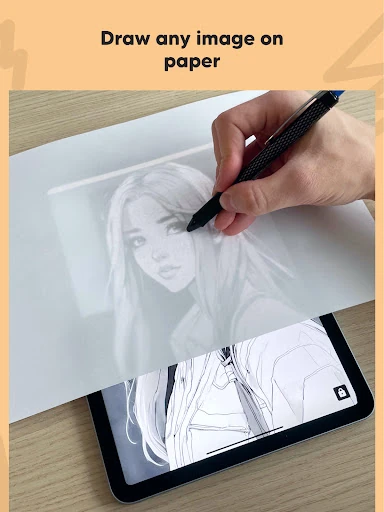
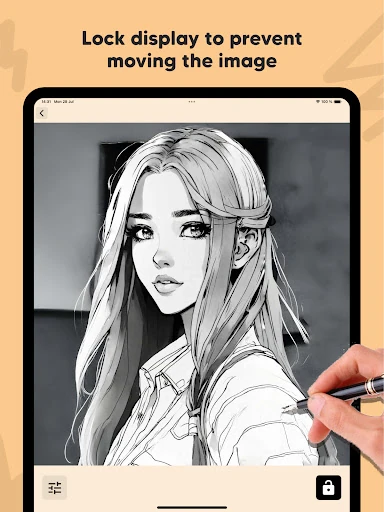
Click to download now, finish the installation quickly, and directly unlock the all-round experience
Lightbox draw - tracing paper turns an Android phone or tablet screen into a drawing aid for tracing images onto paper. It suits beginners, hobby artists, students and anyone who wants help following an image’s main shapes without setting up a separate physical lightbox. The app belongs to the Art & Design category and is made by Try the Colors s.r.o.
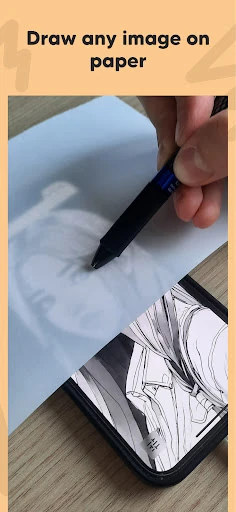
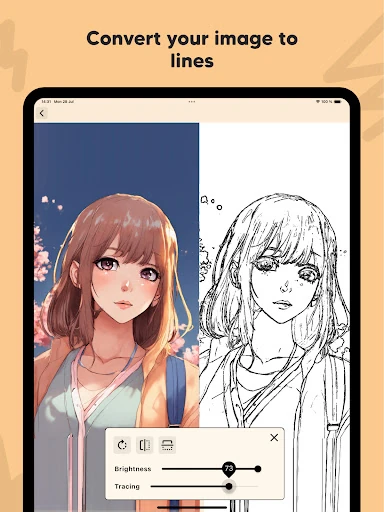
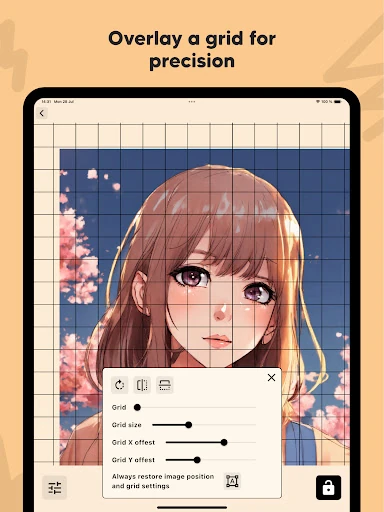
Choose an image and place tracing paper over the illuminated screen. The app can simplify a picture into an outline, making key contours easier to follow than a full-color reference. A grid overlay is also available for users who need help keeping proportions, spacing or alignment consistent while copying a subject.
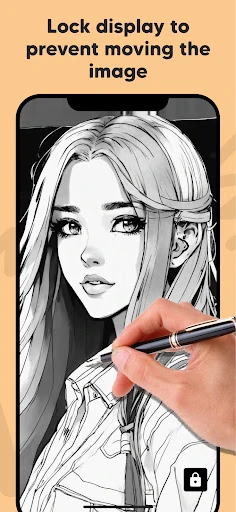
A screen-lock option helps prevent accidental taps and interruptions while paper rests over the display. That keeps the tracing surface steady as you work with a pencil or pen. The app is focused on this specific task rather than trying to replace a full drawing or photo-editing suite, so it is best used as a practical guide for transferring an image onto paper.
Lightbox draw - tracing paper has reached 100,000+ installs and holds a 4.18 rating from 1,346 ratings. Those numbers point to continued interest in a simple mobile tracing tool, especially among users looking for a portable alternative to a traditional lightbox. Its usefulness will still depend on the device’s screen brightness and the thickness of the paper being used.